How APulse Protects Your Lab's Data
Patient records are medical records. Here is plainly how APulse stores, isolates, encrypts and backs up your laboratory's data — and what stays under your control.
Separation between labs
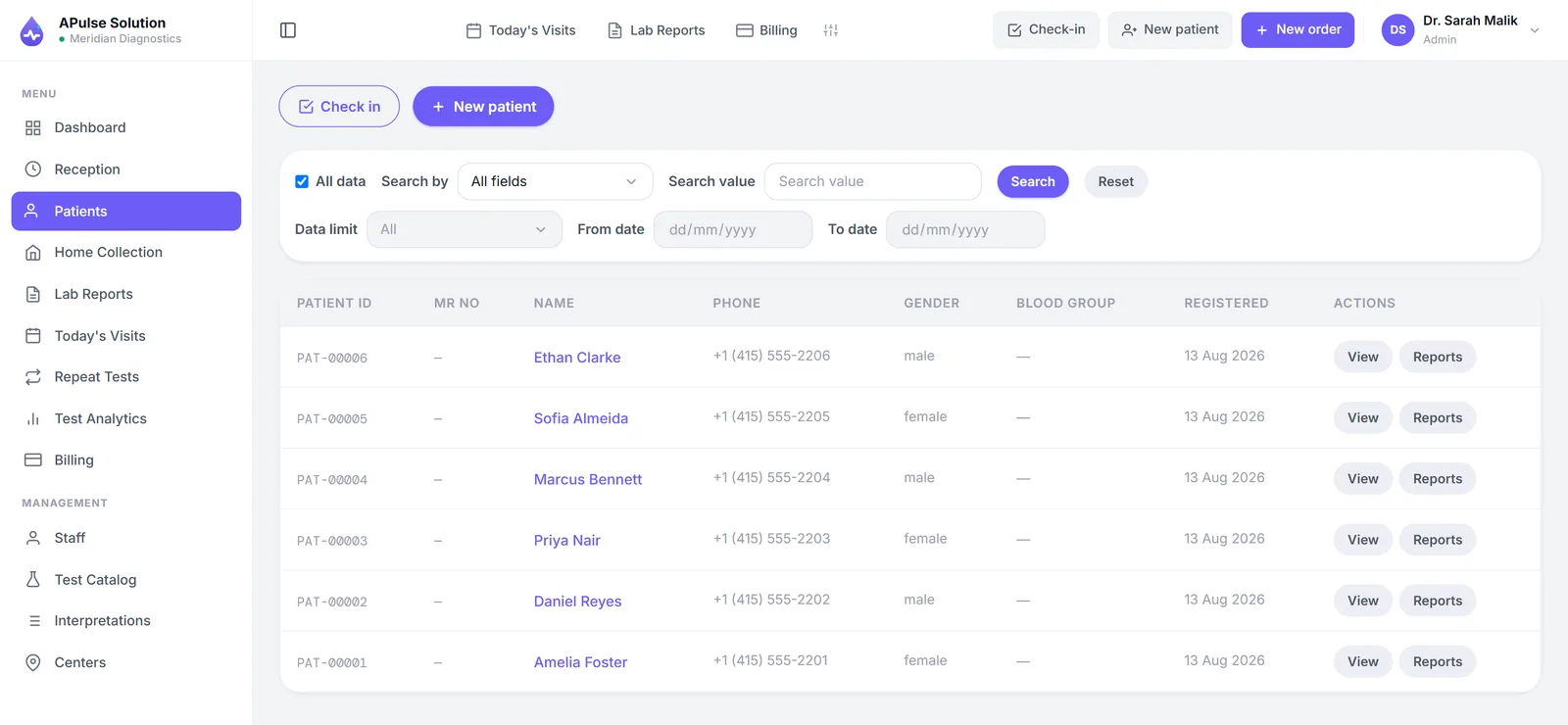
Every laboratory on APulse gets its own isolated database schema. Your patients, orders, results and invoices are never mixed with another customer's data — isolation is structural, not a filter in a shared table.
Encryption
Traffic between your browser and our servers is encrypted with TLS, and backups are encrypted too. There is nothing to configure on your side — encryption is on for every lab, on every plan.
Access control inside your lab
Access is role-based per staff member — separate roles for admin, reception, technicians and doctors, with per-user permission overrides on Medium and Premium plans. Reception doesn't see results; the cashier doesn't edit reports. Each person logs in with their own account.
Who did what: the activity trail
Every lab keeps an activity trail: who registered a patient, entered results, approved a report, recorded a payment, sent or received a dispatch, changed the test catalogue or the settings — and when. Admins see the whole lab and can filter by staff member, date or area. Every other staff member sees only their own actions and the notifications sent to them, so a receptionist cannot read staff changes or another branch's payments.
The trail is the record; a notification bell sits on top of it for the things that need a person now — results ready to check, a report approved, a sample rejected or needing recollection, a dispatch on its way or arrived, a payment recorded. Routine events such as registering a patient are recorded but never ring the bell, or it would be useless within a day. The person who did something is never notified of their own action.
Passwords
Each person signs in with their own account. Someone who forgets their password uses Forgot password on the sign-in screen: a one-time reset link is emailed to the address on their account, works once, and expires after four hours. Nobody — including us — can set a password from an email address alone, and the screen answers the same way whether or not the address has an account, so it cannot be used to find out who works at a lab.
Backups and recovery
Regular encrypted backups run on a rolling window of roughly 30 days, so a hardware failure or an accidental deletion does not become a permanent loss. Because backups roll over, deleted data also clears out of them as the window passes.
The offline edition
Everything above describes the cloud edition. The offline edition inverts the model on purpose: the database runs on your own Windows PC, nothing is sent anywhere, and the database never listens on the network even when other PCs in the lab share the install. Backups are taken automatically once a day and the last fourteen are kept — on that same PC. That is why we ask every offline lab to copy the newest backup to a USB stick weekly and keep it off the premises: against theft, fire or a failed disk, the backups on the machine protect nothing. Access control, roles and the activity trail are identical in both editions.
Ownership and deletion
Your data is yours. Patient records belong to your laboratory; we process them to run the service. Deletion requests are honoured in the live system immediately and work their way out of backups as the rolling window passes. The full detail — what we collect, retention periods, and your rights — is in the privacy policy.
Why this matters when choosing lab software
A lab's reputation rides on confidentiality. Before you buy any system — ours included — ask the vendor these questions: Is my data isolated from other customers? Is traffic encrypted? Are there per-user accounts and roles? Can I see who did what? Are there backups, and are they encrypted? Who owns the data if I leave? Our answers are above, in writing.
Questions we haven't answered here? Ask us directly — or see how the rest of the system works.
Frequently Asked Questions
Is my lab’s data mixed with other labs’ data?
No. Every laboratory gets its own isolated database schema, so one customer’s records are never mixed with another’s.
Is data encrypted?
Traffic between your browser and our servers is encrypted with TLS, and backups are encrypted and kept on a rolling window of roughly 30 days.
Can every staff member see everything?
No. Access is role-based — separate roles for admin, reception, technicians and doctors — with per-user permission overrides on Medium and Premium plans.
Can I see who did what in the system?
Yes. Every lab keeps an activity trail: who registered a patient, entered results, approved a report, recorded a payment, sent or received a dispatch, and when. Admins see the whole lab; every other staff member sees only their own actions and the notifications sent to them.
What happens when a staff member forgets their password?
They use Forgot password on the sign-in screen. A one-time reset link is emailed to the address on their account; it works once and expires after four hours. Nobody — not even us — can set a password from an email address alone.
Who owns the data?
You do. Your patient records belong to your laboratory; we process them to run the service. Deletion requests are honoured in the live system immediately and clear from backups as the rolling window passes.
What happens if something fails?
Regular encrypted backups mean a hardware failure or an accidental deletion does not become a permanent loss.
Further reading
Background reading on how this software category works — written to inform, not to sell.
Ready to Get Started?
Create your free demo lab in seconds — every feature, 10 patients, no credit card. Or ask us for a quote and we'll set everything up for you.