A pathology lab owner choosing software is usually asked one question first: online or offline? The honest answer for many labs in Pakistan is "both, please", for two reasons that pull in opposite directions.
The bench cannot stop when the internet does. A patient is waiting, the CBC is done, and the report has to print. And the owner is not always in the building, the referring doctor wants the report on a phone, and the patient does not want to come back for a piece of paper.
Online software answers the second need and fails the first. Offline software answers the first and fails the second. This guide explains what each one is, and how a pathology lab can now run the two in parallel as one system.
What "online" and "offline" mean for a pathology lab
Online pathology software runs in a web browser. The data is on the vendor's servers. There is nothing to install, it opens on any PC, tablet or phone, and the owner can sign in from anywhere. It needs a working internet connection for every action that touches patient data.
Offline pathology software is installed on a PC in the lab, with its own database on that PC. It needs no internet at all. Other desks in the lab reach it over the lab's own network. Nothing leaves the building, which also means nothing can be seen from outside it.
Neither is better. They fail in different ways:
| Online only | Offline only | |
|---|---|---|
| Internet goes down | Work stops until it returns | Nothing changes |
| Owner at home | Sees everything | Sees nothing |
| Patient opens report on a phone | Yes, from the QR code on the slip | No |
| The lab PC is stolen or fails | Data is safe on the server | Data is only as safe as your last backup copy |
| Updates | Arrive on their own | Arrive when installed |
Running both in parallel
Since October 2026, A Pulse Solution can be run as both at once. The lab installs the offline edition on one Windows PC, and our team connects that PC to the lab's cloud account. From then on:
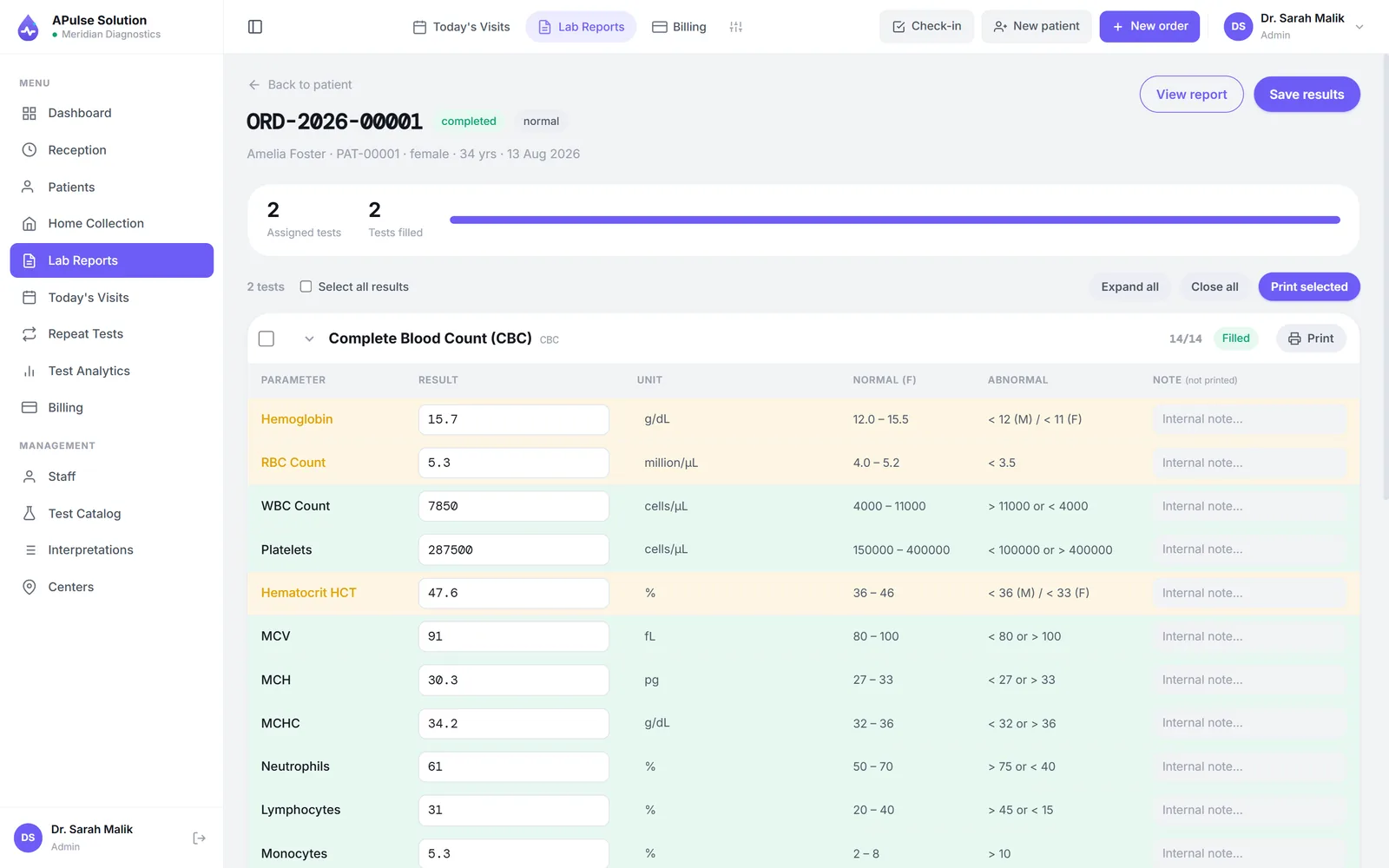
- The lab PC is the working copy. Registration, result entry, approval, printing and billing all happen on the PC, with or without internet.
- Everything goes up whenever there is internet. The software checks every ten seconds while the connection is up. Patients, orders, results, signed reports and their PDFs, invoices and settings all travel.
- What the owner changes online comes down. A new price, a letterhead change, a new staff account.
- The patient's QR link works once the order and the released report have reached the cloud.
- The cloud is a copy outside the building, kept up to date continuously.
When the internet is down, the lab notices nothing. Changes wait on the PC and go up when the connection returns.
The full mechanics, including how two copies of the same record are reconciled, are in Offline and online lab software, working together. The rest of this guide is about what it means for pathology work specifically.
What stays on the bench, whatever the internet does
The offline edition is the same software as the cloud edition, installed on your PC. For a pathology lab that means the bench work carries on without a connection:
- Routine chemistry, haematology and serology against reference ranges by age and sex, with high and low values flagged as they are typed and calculated rows working themselves out.
- Histopathology and cytology written as proper reports, with gross description, microscopy, diagnosis and a case number that is never reused.
- Culture and sensitivity with organisms, colony counts and an S / I / R antibiotic grid.
- Real-time PCR with Ct values and viral load.
- Approval and signatures: a report is released only when a named person approves it.
- Printing on your own letterhead, in any of the report designs.
One caution on timing. A new feature reaches the cloud edition first and the offline edition with its next released version. A PC with internet downloads that version in the background and offers to restart; a PC with no internet runs its version until someone brings the installer on a USB stick.
Whose result wins
In a pathology lab this is the question that matters most about any sync, so here is the rule in full.
If the same record is changed on the PC and in the cloud before the two have synced:
- For results, reports, signatures, samples, critical values and quality control, the lab PC wins, always. That is the medical record, and it was made at the bench.
- For everything else, such as a phone number, a price or a setting, the later edit wins.
The losing version is not thrown away. It is listed on the sync screen, where an administrator can read both and restore the other one.
In practice, staff work on the PC and the owner looks, and occasionally edits a price, online. Entering results in both places at once is possible but is not what the design is for.
What a patient and a referring doctor see
On a connected PC, the billing slip carries a QR code. The patient scans it with a phone camera and their report opens online for 30 days, with no account and nothing to install. If they scan before the report is released, they see that the tests are still in process.
This depends on the report having reached the cloud. On a morning with no internet, a patient who scans at the counter sees in process until the connection returns. The printed report is unaffected.
Sending a report link by WhatsApp or SMS also needs internet on the PC at that moment. It goes out automatically on approval only once the lab connects its own WhatsApp Business (Cloud API) or SMS gateway account; without one, staff send each message with one tap.
The limits, stated plainly
- One PC per lab account. The lab nominates one PC as its server, and other desks open the software over the lab's network. Two separate PCs connected to one account would issue the same numbers and collide.
- A phone does not sync. The owner uses the cloud account in a phone's browser or as the installed app, which needs internet for data. The sync is between the Windows PC and the cloud.
- The connection is switched on per account, on request. It is not part of any plan, and the offline edition is licensed separately from the cloud plans. We quote both in writing.
- An unconnected offline PC has no QR link and no outside view. That is the plain offline edition, and some labs prefer it exactly because nothing leaves the building.
- Hospital departments are a separate matter. If a lab is part of a hospital account with OPD or wards switched on, its lab reports are not put online at all.
- Analyser interfacing is on request, on any plan. Connecting a machine is part of setup and depends on the analyser. Until it is switched on, results are entered at the keyboard, online or offline.
Which arrangement fits which pathology lab
Reliable internet, one or more branches, owner often away: the cloud edition alone. It is the simplest: nothing installed, nothing to keep switched on.
No usable internet, or a firm wish to keep data on the premises: the offline edition alone. Copy the newest backup to a USB stick each week, because backups kept on the same PC protect nothing if the PC is lost.
Internet that comes and goes, and an owner who wants to see the day from outside: both, connected. This is the lab that used to have to give something up.
A lab that started offline and now has a decent connection: connect the existing PC. Its history becomes the cloud account without a separate migration.
Questions to ask any vendor who says "works online and offline"
The phrase covers very different things. Ask:
- With the internet off, can I register a patient, enter a result, approve and print? Or does the screen only open?
- Where is the data when I am offline: on my PC, or cached in a browser?
- If the same result is changed in two places, which one is kept, and can I see the other?
- What happens to patient numbers and invoice numbers issued on both sides?
- After a backup is restored on the PC, how is the cloud brought back in line?
- How many PCs can connect to one account?
We have written our own answers above and in the sync guide. One of them is a limit: the cloud edition's installed app on its own opens without internet but cannot reach your data. Working offline is what the offline edition is for.
Frequently Asked Questions
Is there pathology lab software that works both online and offline? Yes, as two editions of one product that can be connected. A Pulse Solution's offline edition runs on a Windows PC with no internet, and that PC can be linked to the lab's cloud account so the two stay up to date whenever there is a connection.
Does the lab stop when the internet is down? Not on the lab PC. Registration, results, approval, printing and billing carry on. The patient's online link and WhatsApp delivery wait for the connection.
Can I start online and add the offline PC later? Yes, and it is the usual order. On the installer's first screen choose to connect to an existing account, enter the one-time link code from your cloud account, and the account comes down to the PC.
Can I start with the free demo? The free demo is the cloud edition: 7 days, every feature unlocked, up to 10 patients, no card. The offline edition has its own 30-day evaluation. Desktop sync is off in a demo until our team switches it on, which we do on request.
Which Windows does the offline edition need? Windows 10 or 11, 64-bit. The other desks in the lab only need a browser on the same network.
Is histopathology included in the offline edition? Yes. Histopathology and cytology reports, culture and sensitivity and PCR are part of the same software in both editions.
What does it cost? We quote each lab individually. Tell us your monthly report volume, number of staff and whether you want the cloud edition, the offline edition or both connected, and we will send it in writing. See what each plan includes.